How to Check If Your Website Appears in ChatGPT Recommendations
Learn how to check if your website appears in ChatGPT product recommendations and what to do if it doesn't. Step-by-step guide with free tools.
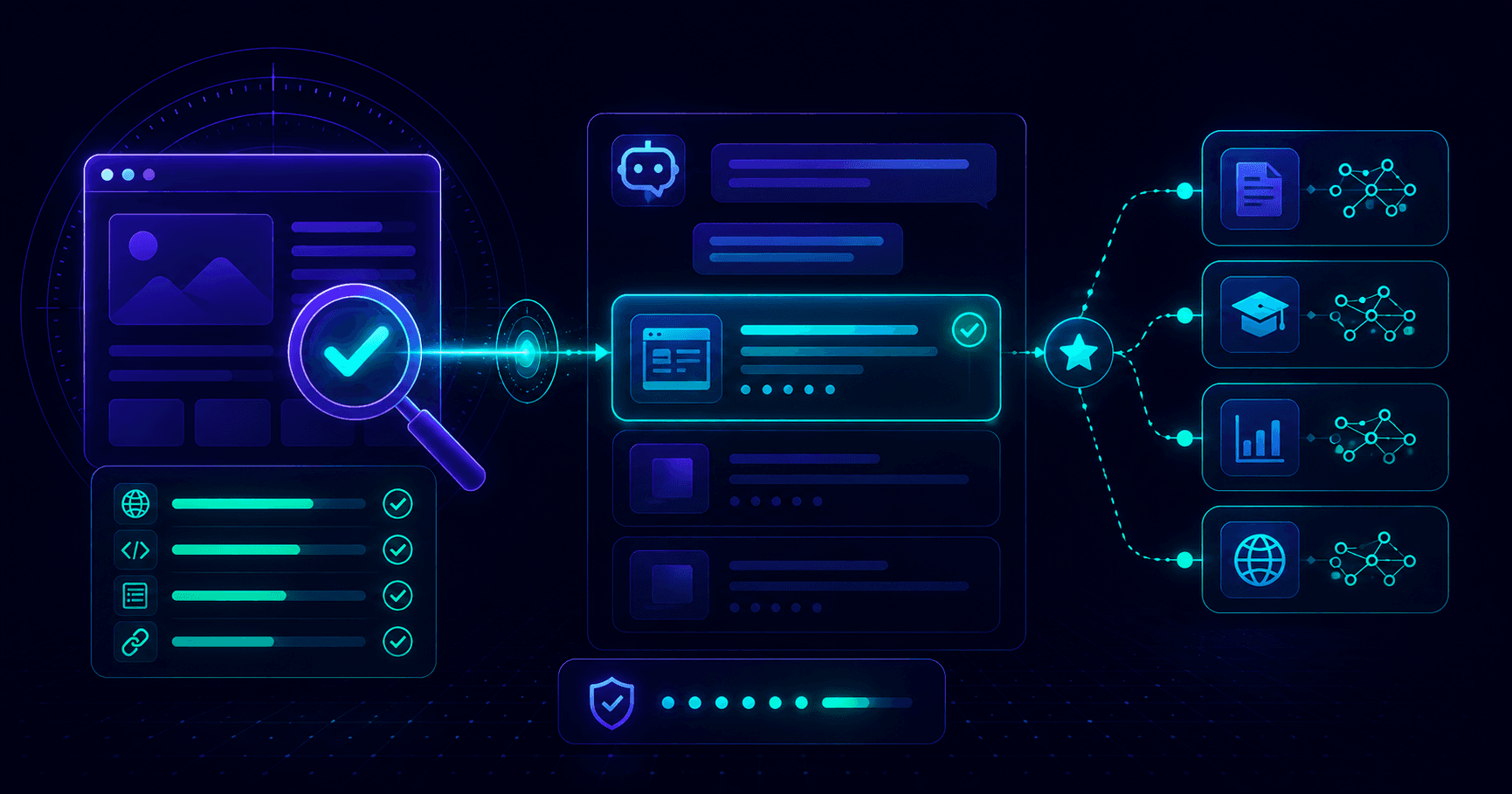
When someone types "recommend a tool for X" into ChatGPT, a short list of brands appears. Those brands are not paying for placement - they earned it through specific signals. If your business is not on that list, you are invisible to a growing segment of buyers who start product research with AI instead of Google. This guide walks you through exactly how to check whether your website appears in ChatGPT product recommendations, what to do if it does not, and how to track your visibility over time.
Checking is step one. For the full plan to earn citations, read how to get your website cited by ChatGPT.
Why Appearing in ChatGPT Product Recommendations Matters
The research shift is real. A significant portion of product research now begins with AI assistants rather than traditional search engines. When a potential customer asks ChatGPT "what is the best project management tool for remote teams" or "recommend a CRM for a small agency," they expect a direct answer - and they usually act on the top two or three brands that appear in the response.
Not showing up in these responses is not a minor visibility gap. It is an invisible ceiling on acquisition. Customers who would have found you through Google now never encounter your brand at all, because they stopped at ChatGPT's answer.
The good news is that AI recommendation eligibility is measurable. Unlike traditional SEO, where hundreds of opaque ranking factors interact, your AI visibility comes down to a clear set of technical and content signals you can audit and fix.
How ChatGPT Decides Which Products to Recommend
ChatGPT does not maintain a paid product directory. Its recommendations emerge from two sources.
Training data is the foundation. During training, ChatGPT processed text from across the web - review sites, software directories, editorial blogs, and comparison articles. Brands that appeared repeatedly in authoritative contexts - G2 reviews, "best X tools" roundups, expert comparisons - became associated with specific categories in the model's weights.
Live web results layer on top for ChatGPT with web browsing enabled and for Perplexity. Both crawl live pages and cite them in real time, making them more responsive to recent citations and new content.
Understanding this matters for your checking strategy. A brand that has no authoritative third-party mentions will not appear in recommendations regardless of how good its homepage copy is. Your check needs to assess both the direct question ("does ChatGPT know about me?") and the underlying signal quality ("do I have the citations that make ChatGPT trust me?").
How to Check If Your Website Appears in ChatGPT Recommendations: Step by Step
Step 1 - Ask ChatGPT directly
Open a fresh ChatGPT session - not a continuation of an existing conversation, since prior context can influence results - and run these prompts:
- "What tools do you recommend for [your product category]?"
- "What are the best [product type] for [your target customer]?"
- "Do you know about [your brand name]?"
- "Which [product category] has the best reviews in 2026?"
Run each prompt three to five times. Results are probabilistic and vary between sessions. Look for patterns, not individual data points.
Interpreting what you see:
- Your brand appears consistently in category lists - you are in training data with strong signal
- Your brand appears only when asked about specifically - you are known but not a default recommendation
- Competitors appear, you do not - you are in the same category but have weaker citation signals
- ChatGPT says it does not know your brand - you are not in training data or citations are too thin
Step 2 - Run a technical ChatGPT visibility check
Direct ChatGPT testing shows you the current outcome but not the underlying cause. Use a ChatGPT visibility checker to scan your site for the technical signals that determine recommendation eligibility.
A free AEOCheck scan covers 25 AEO and GEO checks including:
- Schema markup presence (Product, Organization, FAQ JSON-LD)
- AI crawler access in robots.txt (GPTBot, PerplexityBot, ClaudeBot)
- Content structure and clarity for machine parsing
- Metadata quality and keyword alignment
- Internal linking and trust signals
- HTTPS, sitemap, and authority page presence
Paste your homepage URL at aeocheck.co and get a 0-100 AI visibility score with a pass/fail breakdown across every signal, ranked by impact. This is the fastest way to identify which structural gaps are reducing your recommendation eligibility.
Step 3 - Check Perplexity AI
Perplexity uses live web crawling, making it a more reliable real-time indicator than ChatGPT's base model. Run the same queries at perplexity.ai and check the Sources panel alongside each response. If your domain does not appear as a cited source for category-level queries, you have a direct gap between your content quality and what Perplexity can find and trust.
The Sources panel also reveals which domains Perplexity trusts for your category - this is actionable competitive intelligence. If a review site appears in sources consistently, that is where you need a presence.
Step 4 - Search for your brand on authoritative review sites
Since ChatGPT draws heavily on third-party citations, check whether your brand appears on the platforms it trusts most:
- G2 and Capterra (SaaS and business software)
- Product Hunt (new tools and products)
- Trustpilot (general products and services)
- Industry-specific directories for your niche
If you are not listed on any of these, or listed without reviews, this is one of the highest-leverage gaps to close. ChatGPT recommendation eligibility in competitive categories correlates directly with review site presence and citation depth.
Step 5 - Search for editorial articles that mention your category
Look at the articles ranking for "[your category] recommendations," "best [product type]," and "top [category] tools 2026." These listicle-style articles are often exactly what ChatGPT cites. Check whether your brand appears in the top 5 results for your space. If not, outreach to these publications for inclusion is a direct path to ChatGPT recommendation visibility.
What to Do If Your Site Is Not Appearing
If the checks above confirm you are not appearing in ChatGPT product recommendations, fixes fall into three categories.
Technical AEO fixes (highest impact for most sites):
- Add Product or SoftwareApplication schema to your homepage and product pages
- Add Organization schema with your name, url, and a clear description of what you do
- Confirm that GPTBot and PerplexityBot are allowed in your robots.txt file
- Add an llms.txt file at your domain root summarizing your product and key pages
- Ensure pages render server-side HTML that AI crawlers can process without JavaScript execution
Citation building:
- Get listed and reviewed on G2, Capterra, or the top review platform in your category
- Reach out to the 5 to 10 articles ranking for "best [your category]" and request inclusion
- Create comparison pages targeting "[your brand] vs [competitor]" queries
- Publish detailed use-case and how-to content that third-party sites will link to and cite
Content positioning:
- Rewrite your homepage to state explicitly what category you are in, who you serve, and what problem you solve
- Use H2 headings phrased as questions on your key pages - this is the format AI engines extract answers from
- Add FAQ schema to your homepage with the questions buyers actually ask before choosing your product
For the complete step-by-step optimization guide, see how to get your website into ChatGPT product recommendations.
How to Track Your ChatGPT Visibility Over Time
Checking once gives you a baseline. Tracking over time shows whether your work is paying off.
Manual monthly check: Run your ChatGPT prompts in a fresh session once a month. Record whether you appear and what position you hold for your 3 to 5 core category queries. 15 minutes a month gives you a clear trend line.
AEOCheck monitoring: Use URL monitoring to track your AI visibility score across re-scan snapshots. When your score drops - because a competitor earned a new citation, your schema broke, or a crawl signal changed - you see it immediately instead of discovering it months later.
Citation alerts: Set up Google Alerts for your brand name and check whether new mentions appear on review sites and editorial publications. Each authoritative new mention is a signal that lifts your recommendation eligibility over time.
Perplexity as a leading indicator: Run your category queries on Perplexity weekly and note which domains appear in the Sources panel. Because Perplexity crawls live, it reflects new citation signals faster than ChatGPT's base model. When you earn a citation on a trusted domain, Perplexity often surfaces you within days - making it a reliable early signal for improving ChatGPT recommendation visibility.
Frequently Asked Questions
How do I know if my website appears in ChatGPT recommendations?
Ask ChatGPT directly in a fresh session: "What tools do you recommend for [your category]?" and "Do you know about [your brand]?" Run each prompt several times since results vary. Also run a free AEOCheck scan to see your AI visibility score and identify the structural gaps reducing your recommendation eligibility.
Can I pay to appear in ChatGPT product recommendations?
No. ChatGPT recommendations are not paid placements. They are based on training data and live web citations from authoritative sources. The only way to appear is to earn mentions on trusted platforms and optimize your site's AI visibility signals. There is no advertising product or sponsored placement in ChatGPT's recommendation output.
How long does it take to appear in ChatGPT recommendations after making changes?
For ChatGPT with web browsing enabled and for Perplexity, changes can reflect within days to a few weeks once crawled and indexed. For ChatGPT's base model, changes take effect at the next training cycle, which can be months away. Focus early efforts on Perplexity-visible signals for faster feedback on whether your work is moving the needle.
What AEO signals matter most for ChatGPT product recommendations?
Schema markup (Product, Organization, and FAQ JSON-LD), third-party citations on authoritative review sites, clear category positioning in your page copy, and AI crawler access in your robots.txt are the highest-impact signals. A free AEOCheck scan checks all of these in under 60 seconds.
Is AEOCheck free to use?
Yes. The core scan is free with no signup required. You get a 0-100 AI visibility score and a pass/fail breakdown across 25+ AEO and GEO signals instantly.
The fastest way to see where you stand right now is to check your ChatGPT visibility for free with AEOCheck. You will get a full AI visibility score, a category-by-category breakdown, and a prioritized list of exactly what to fix - in under 60 seconds.