Free AEO Checker: Scan Your Site for AI Search Visibility
Use a free AEO checker to audit your website for AI search visibility. Find out what ChatGPT, Perplexity, and Google AI look for - and how to fix it fast.
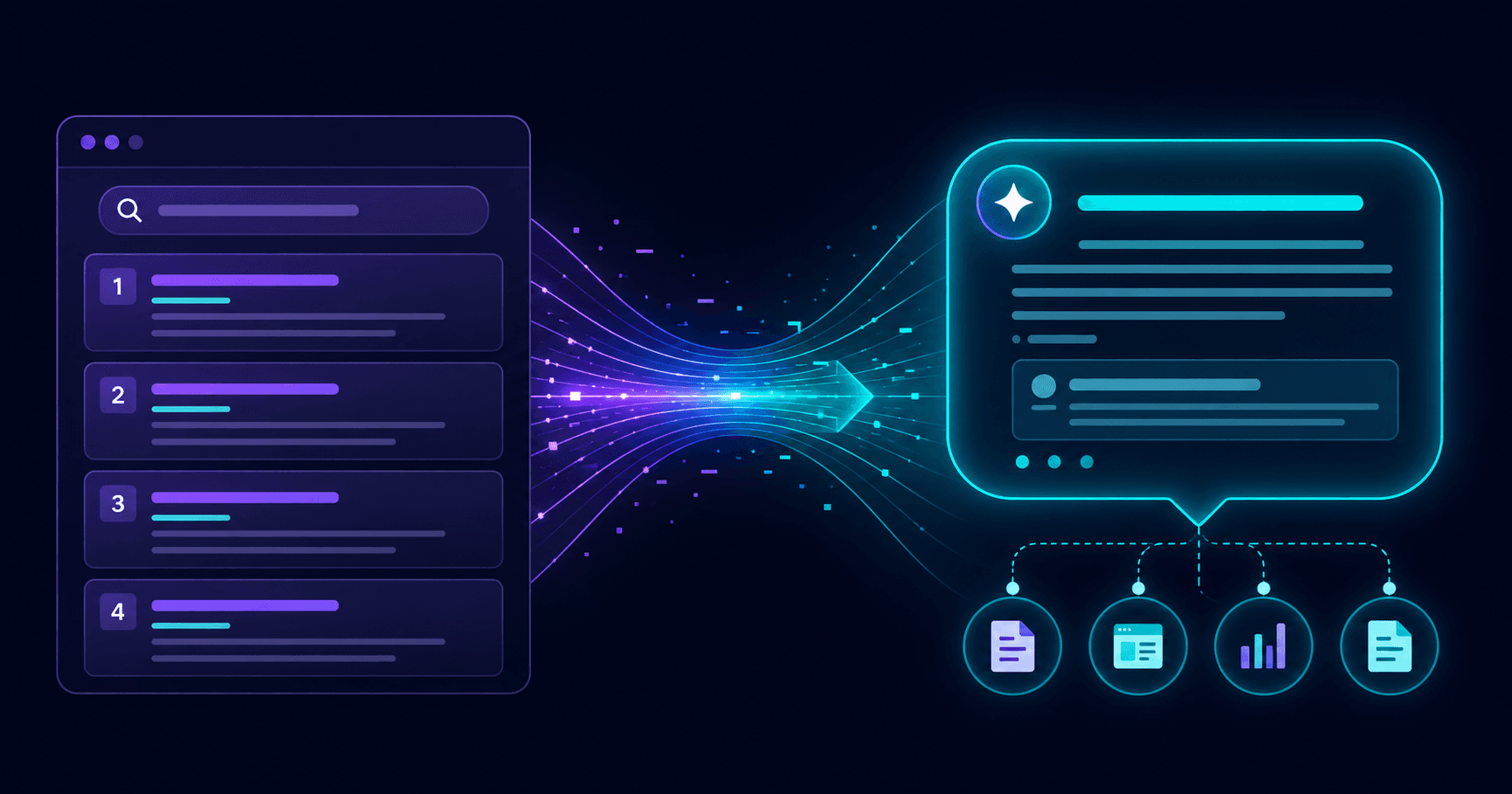
Your website might rank well on Google but still be invisible to ChatGPT, Perplexity, and Google AI Overviews. That is because AI search engines select sources differently than traditional search engines. A free AEO checker helps you find the gaps quickly, before competitors claim that visibility.
This guide explains what an AEO checker looks for, how to interpret the results, and how to fix the most common issues.
Run a free AEOCheck scan now to get your AI readiness score in under 60 seconds.
What Is an AEO Checker?
An AEO checker is a tool that audits your website against the signals AI answer engines use when selecting sources for their responses. It covers:
- Structured data and schema - does your page include JSON-LD markup that labels its content type?
- Metadata quality - are your title tags and meta descriptions accurate, complete, and the right length?
- Heading structure - does your content use a logical H1/H2/H3 hierarchy that AI can parse?
- Content clarity - is content structured in short, answer-ready paragraphs?
- Crawler access - are AI bots (GPTBot, PerplexityBot, ClaudeBot) allowed to crawl your site?
- Trust and authority signals - do you have an About page, named authors, and contact information?
- Performance - does your page load fast enough to stay in AI engine indexes?
Unlike a traditional SEO audit, an AEO checker is focused on what happens after Google - the layer where AI systems decide what gets cited in a direct answer.
Why Free AEO Checkers Matter Now
AEO is no longer optional if you care about search visibility. Consider what has changed:
- ChatGPT handles over 2 billion queries per day, many of them commercial
- AI-referred traffic to websites grew 527% year-over-year through mid-2025
- Google AI Overviews appear in more than 50% of all searches
- Gartner predicts traditional search volume will fall 25% by 2026
If you are not optimized for AI search, you are losing ground to competitors who are. A free AEO checker gives you a starting point without upfront investment.
What a Free AEO Checker Looks For
1. Schema and Structured Data
This is the single highest-impact AEO signal. JSON-LD schema tells AI crawlers exactly what your page is: an article, a product, an FAQ, a local business. Pages without schema rely on AI to guess - and AI engines heavily favor pages that state it clearly.
Priority schema types for AEO:
Organizationon your homepageArticleorBlogPostingon editorial pagesFAQPageon any page that answers multiple questionsWebPageon core landing pages
2. Robots.txt and Crawler Access
Many sites unknowingly block AI crawlers. Check your robots.txt file right now. If you see any of these blocked, your site is invisible to AI search regardless of content quality:
GPTBot- ChatGPTPerplexityBot- PerplexityClaudeBot- Claude / AnthropicGoogle-Extended- Google AI training data
3. Metadata Completeness
AI engines read metadata to understand what a page is about before crawling the full content. Every page needs:
- Unique title (30–60 characters)
- Descriptive meta description (120–160 characters)
- Canonical URL specified
4. H1 and Heading Hierarchy
AI engines extract answer chunks from pages, using heading structure to understand which text answers which question. Rules:
- One H1 per page that matches the page topic
- H2s should read like questions or clear topic statements
- H3s for sub-points under each H2
5. llms.txt
This is an emerging standard - a plain text file at yourdomain.com/llms.txt that tells AI systems what your site is about, who you are, and how content is organized. Think of it as robots.txt for AI context. It is not required, but it signals AEO awareness and is increasingly recognized.
How to Interpret Your AEO Score
Most AEO checkers return a score out of 100 or a pass/warn/fail rating per signal. Here is how to prioritize the results:
| Score range | What it means | Priority |
|---|---|---|
| 0–40 | Critical gaps - likely invisible to AI search | Fix immediately |
| 41–65 | Partial readiness - some signals present, major gaps remain | Fix within 30 days |
| 66–79 | Decent foundation - optimization needed for competitive queries | Fix within 60 days |
| 80–100 | Strong AEO posture - focus on content quality and authority | Maintain and monitor |
Focus on critical issues first. A missing schema or blocked robots.txt can knock 20–30 points off your score and is often a 5-minute fix.
Step-by-Step AEO Audit Workflow
Use this workflow after running a free AEO check:
Step 1 - Fix crawler access
Open your robots.txt file. Ensure GPTBot, PerplexityBot, and ClaudeBot are not in the Disallow list. If they are, remove those lines and redeploy.
Step 2 - Add Organization schema to your homepage
If your homepage has no schema, add a basic Organization block in JSON-LD:
{
  "@context": "https://schema.org",
  "@type": "Organization",
  "name": "Your Company Name",
  "url": "https://yourdomain.com",
  "description": "One sentence about what you do."
}
Step 3 - Add Article schema to blog posts
Every blog post and editorial page should have a BlogPosting or Article JSON-LD block with headline, datePublished, author, and publisher.
Step 4 - Add FAQPage schema to key pages Any page that answers more than two questions is a candidate for FAQPage schema. This is one of the highest-returning AEO optimizations because AI engines specifically look for structured Q&A pairs.
Step 5 - Fix metadata gaps Run a crawl of your site and check every page for missing or duplicate title tags and meta descriptions. Fix the highest-traffic pages first.
Step 6 - Restructure at least one key page Pick your highest-value landing page. Rewrite it with:
- An answer-first intro (state the key answer in the first 2 sentences)
- H2s that read as questions your audience actually asks
- A short FAQ section at the bottom
Step 7 - Re-scan and track Run your AEO checker again after each batch of fixes to see the score improvement and confirm issues resolved.
Common Mistakes Found in Free AEO Audits
No schema anywhere on the site. This is the most common finding. Many CMS templates - Squarespace, Wix, older WordPress themes - generate no JSON-LD at all. Adding schema to the homepage and blog alone can meaningfully increase AI citation rates.
Blocking AI crawlers by accident. Some security plugins and CDN configurations block all unknown bots including GPTBot and PerplexityBot. Check robots.txt and any Cloudflare Bot Fight Mode settings.
Duplicate H1 tags. Multiple H1 tags on a single page confuse AI engines about the primary topic. Each page should have exactly one H1.
Meta descriptions missing or cut off. A 220-character meta description is not better than a 150-character one - the extra text is truncated and adds confusion. Keep descriptions within the 120–160 character window.
No About or Contact page. AI engines use trust signals to evaluate authority. A website without an About page or Contact information scores lower on E-E-A-T signals that AI systems rely on.
AEOCheck: Free Scanner Built for This
AEOCheck is a free AEO checker built specifically to audit websites for AI search visibility. It checks 25 signals across schema, metadata, crawl access, content clarity, trust signals, and Core Web Vitals - and returns a scored, prioritized action plan.
What you get from a free scan:
- AEO score out of 100
- Pass/warn/fail per signal
- Specific fixes for each issue found
- Estimated impact of each fix
Run your free AEO check now - no account required, results in under 60 seconds.
You can also view a sample AEO report to see what the output looks like before you scan your own site.
Related Reading
- Best AEO Tools: Full Comparison and Guide
- What Is AEO? Answer Engine Optimization Explained
- AEO vs SEO: What's the Difference in 2026?
- Why ChatGPT Is Not Citing Your Website
Frequently Asked Questions
Is AEOCheck's free AEO checker really free?
Yes. The scan itself is free with no account required. You get an AEO score and a full pass/warn/fail breakdown for all 25 signals. An account unlocks the full detailed report with fix explanations and priority rankings.
How is an AEO checker different from an SEO audit tool?
Traditional SEO audit tools focus on ranking signals: backlinks, keyword density, crawl errors, and page speed. An AEO checker focuses on AI citation signals: schema markup, crawler allowlisting, content structure, and answer-readiness. Many signals overlap, but the emphasis and prioritization are different.
How often should I run an AEO check?
Run a check after any significant content or technical change, and at least once per quarter as a baseline. AI engine behavior evolves - what passes today may need updating in 6 months.
Can a free AEO checker replace a full technical SEO audit?
No. A free AEO checker is a fast triage tool that surfaces the highest-impact AI visibility issues. A full technical SEO audit goes deeper into crawl budget, duplicate content, redirect chains, and structured data coverage at scale. Use them together.
What is the most important thing an AEO checker will find?
In most audits, the highest-impact finding is either a blocked AI crawler in robots.txt or missing schema markup on core pages. Both are common, both are easy to fix, and both can immediately improve AI search visibility.