Why ChatGPT Is Not Citing Your Website
Find out why ChatGPT, Perplexity, and Google AI Overviews are not citing your website - and the technical fixes that get you back into AI answers.
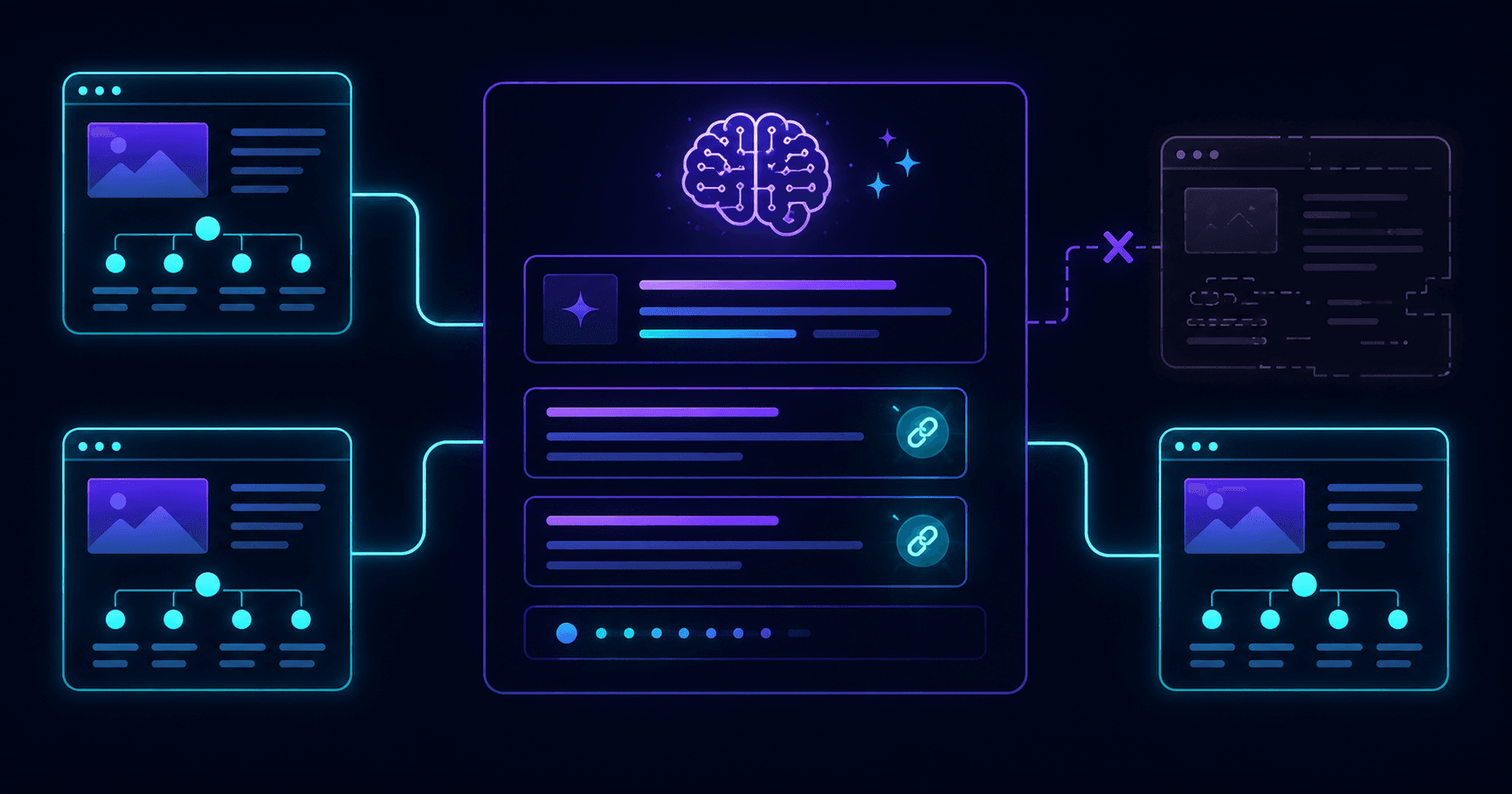
You type your brand or topic into ChatGPT. A competitor appears. You do not. That is frustrating, and it is becoming more consequential as AI search handles a growing share of discovery queries.
This guide covers the real reasons ChatGPT, Perplexity, and Google AI Overviews skip your website - and what you can do about each one.
Run a free AEOCheck scan to find the specific issues blocking your site from AI citations.
Why This Matters More Than It Used To
ChatGPT processes over 2 billion queries per day. Perplexity is growing rapidly as a research-first AI. Google AI Overviews appear in more than 50% of all searches. These tools are not novelties - they are where discovery is happening.
When a potential customer asks "what is the best tool for X?" and ChatGPT answers without mentioning your brand, you are absent from that conversation. Unlike a bad Google ranking, where you can at least see your position and track it, AI citation gaps are invisible until you go looking.
The businesses that show up consistently in AI answers are capturing brand awareness and pipeline from queries that never reach a search results page.
Reason 1: You Are Blocking AI Crawlers
This is the most common and most damaging reason. If AI crawlers cannot access your site, they cannot index your content, and you will never appear in AI-generated answers - regardless of how good your content is.
The crawlers to check:
| AI Tool | Crawler User-Agent |
|---|---|
| ChatGPT | GPTBot |
| Perplexity | PerplexityBot |
| Anthropic / Claude | ClaudeBot |
| Google AI products | Google-Extended |
| Bing / Copilot | Bingbot |
Open your robots.txt file at yourdomain.com/robots.txt. If you see any of these in a Disallow rule, that tool cannot see your site.
Many blocks are accidental. They come from:
- Generic bot-blocking configurations in Cloudflare Bot Fight Mode
- Security plugins in WordPress (Wordfence, iThemes Security) with aggressive default settings
- Old
robots.txtfiles that block all non-Googlebot traffic - Server-level rate limiting that returns 429 for unknown bots
Fix: Add explicit Allow rules for AI crawlers, or remove any rules that block them. After updating, verify by running an AEO scan or checking that your robots.txt does not contain a blanket User-agent: * / Disallow: / combined with narrow allow rules that exclude AI bots.
Reason 2: No Schema Markup
AI answer engines use structured data to understand what a page is, who wrote it, and what content it contains. Pages with no schema require the AI to infer all of this from raw HTML - which introduces uncertainty and lower confidence scores at the retrieval stage.
Pages with clear JSON-LD schema are preferred. This is not speculation - it is consistent with how retrieval-augmented generation (RAG) systems score and rank candidate sources.
The minimum schema stack for AI citation:
On your homepage:
{
  "@context": "https://schema.org",
  "@type": "Organization",
  "name": "Your Company",
  "url": "https://yourdomain.com",
  "description": "What you do in one sentence."
}
On blog posts and articles:
{
  "@context": "https://schema.org",
  "@type": "Article",
  "headline": "Your Post Title",
  "datePublished": "2026-05-24",
  "author": {
    "@type": "Person",
    "name": "Author Name"
  },
  "publisher": {
    "@type": "Organization",
    "name": "Your Company"
  }
}
On any page with Q&A content:
{
  "@context": "https://schema.org",
  "@type": "FAQPage",
  "mainEntity": [
    {
      "@type": "Question",
      "name": "Your question here?",
      "acceptedAnswer": {
        "@type": "Answer",
        "text": "Your answer here."
      }
    }
  ]
}
Fix: Add schema to your homepage, blog posts, and key landing pages. If your CMS does not support JSON-LD natively, use a schema plugin (WordPress: Yoast, RankMath) or add it manually to your template.
Reason 3: Your Content Is Not Answer-Ready
AI engines extract 40–75 word chunks from pages to use as answer components. Content written in long, dense paragraphs that buries the main point does not extract cleanly - so even good content gets passed over in favor of better-structured alternatives.
Signs your content is not answer-ready:
- Section introductions spend 3+ sentences before stating the main point
- Headings use vague labels ("Overview", "Key Points") instead of actual questions
- No FAQ section at the bottom of pages that answer multiple questions
- Long tables of contents but no direct answers at the top of each section
Fix: Rewrite key pages with answer-first structure:
- State the direct answer in the first 1–2 sentences of each section
- Change headings to question format: "What is X?" not "About X"
- Add a FAQ section at the bottom of every important page
- Keep each answer paragraph to 3–4 sentences maximum
You do not need to rewrite your entire site. Focus on your highest-traffic pages and the ones most relevant to the queries where you want to appear.
Reason 4: Low Trust and Authority Signals
AI engines evaluate source credibility before including a page in answers. This is the AI equivalent of Google's E-E-A-T (Experience, Expertise, Authoritativeness, Trustworthiness). A study found 85% of AI brand citations originate from content on third-party sites - meaning AI engines trust external validation heavily.
Trust signals AI engines look for:
- Named authors - anonymous or byline-free content scores lower. Add author names and brief bios.
- About page - a missing About page is a significant trust gap. It should describe who you are, your credentials, and what you do.
- Contact information - a Contact page signals a real, accountable organization.
- External citations - links from authoritative third-party sources (industry publications, directories, press coverage) increase entity trust.
- Consistent entity signals - your name, address, and description should be consistent across your website, Google Business Profile, LinkedIn, and other platforms.
Fix: Audit your trust signals:
- Add author name + bio to all editorial content
- Create or improve your About page with clear credentials
- Make your Contact page easily findable
- Add your organization to relevant industry directories
- Request coverage or citations from authoritative third-party sites in your niche
Reason 5: Your Content Is Outdated
Perplexity in particular favors freshness - it crawls the web continuously and weights recency in its selection algorithm. ChatGPT's web search mode also uses recency as a signal for time-sensitive queries.
If your best pages were published 3–4 years ago and have not been updated, they are losing ground to more recently refreshed alternatives in your niche.
Fix: Update your highest-value pages:
- Add a
dateModifiedfield in your Article schema to reflect the last update - Add a visible "Last updated" line at the top of key posts
- Refresh statistics, examples, and links annually at minimum
- Add new sections covering recent developments in the topic
Reason 6: Weak or Missing Metadata
AI engines read page metadata before crawling full content. Missing, duplicate, or over-stuffed metadata reduces the confidence AI systems have in what a page is about.
Common metadata problems:
- Missing meta description - the AI has to guess the page topic from the title alone
- Title too short or too vague - "Home" or "About" are not useful signals
- Duplicate titles across pages - makes it harder to distinguish what each page covers
- Title keyword stuffing - "Best SEO Tool | #1 SEO Tool | Top SEO Tool" is low-quality signal
Fix: Audit metadata across your site. Every page needs:
- Unique title (30–60 characters) that accurately states the page topic
- Unique meta description (120–160 characters) that expands on the title
- A canonical tag to prevent indexing of duplicate URL variants
Reason 7: Slow Page Load Speed
AI search engines crawl at scale. Slow pages (LCP over 3 seconds, TBT over 600ms) get crawled less frequently and may be excluded from AI engine indexes altogether if they time out during crawl.
This is a double problem: slow pages rank lower in Google (which reduces the organic authority AI engines can observe), and they load less reliably during AI crawl sessions.
Fix: Run a PageSpeed Insights test on your key pages. Target:
- LCP under 2.5 seconds
- TBT under 200ms
- CLS under 0.1
Common quick wins: serve images in WebP format, add lazy loading to images below the fold, eliminate render-blocking JavaScript.
How to Find Out Exactly What Is Blocking You
Rather than working through this checklist manually, run a structured AEO audit. AEOCheck scans your website against 25 AI visibility signals and returns a prioritized list of what to fix - including whether your robots.txt blocks AI crawlers, whether schema is missing, whether metadata is weak, and what your content clarity score is.
Run a free AEO check - results in under 60 seconds, no account required.
After fixing the issues flagged in your audit, run 10–15 test queries in ChatGPT and Perplexity using topics where you want to appear. Track whether citations increase over the following 4–8 weeks.
Related Reading
- How to Get Cited by ChatGPT: The Complete Guide
- What Is AEO? Answer Engine Optimization Explained
- AEO vs SEO: What's the Difference in 2026?
- Free AEO Checker: How to Audit Your Website
Frequently Asked Questions
How long does it take for ChatGPT to start citing my website after I fix these issues?
For Perplexity, improvements can show up within 2–6 weeks because it crawls the web in near real-time. For ChatGPT Search and Google AI Overviews, expect 4–12 weeks. Authority signals and schema changes take time to propagate through AI index cycles.
Can I submit my website to ChatGPT directly?
No. ChatGPT does not have a direct submission tool like Google Search Console. The path is indirect: ensure your site is crawlable, build authority through quality content and third-party citations, and allow GPTBot in your robots.txt.
My robots.txt does not block AI bots. Why am I still not appearing?
Crawl access is necessary but not sufficient. You also need content quality, schema, trust signals, and metadata. If crawl access is confirmed, work through the remaining reasons in this guide - especially schema coverage and answer-ready content structure.
Should I add an llms.txt file?
Yes, if you want to signal AEO awareness. The llms.txt standard (modeled after robots.txt) lets you tell AI systems what your site is about in plain text. It is not required and does not directly affect rankings, but it is increasingly recognized by AI crawlers and takes under 30 minutes to implement.
Why is a competitor with a worse website appearing in ChatGPT instead of me?
Usually one of two reasons: they have schema markup and you do not, or they have stronger third-party citation volume (more mentions in external authoritative content). Both are fixable. An AEO audit will tell you which gap is largest.