Best AEO Checker: Free Audits vs AI Visibility Tools (2026)
Compare free AEO page checkers with AI brand visibility trackers. See what each tool measures, how to evaluate a report, and which workflow fits your site.
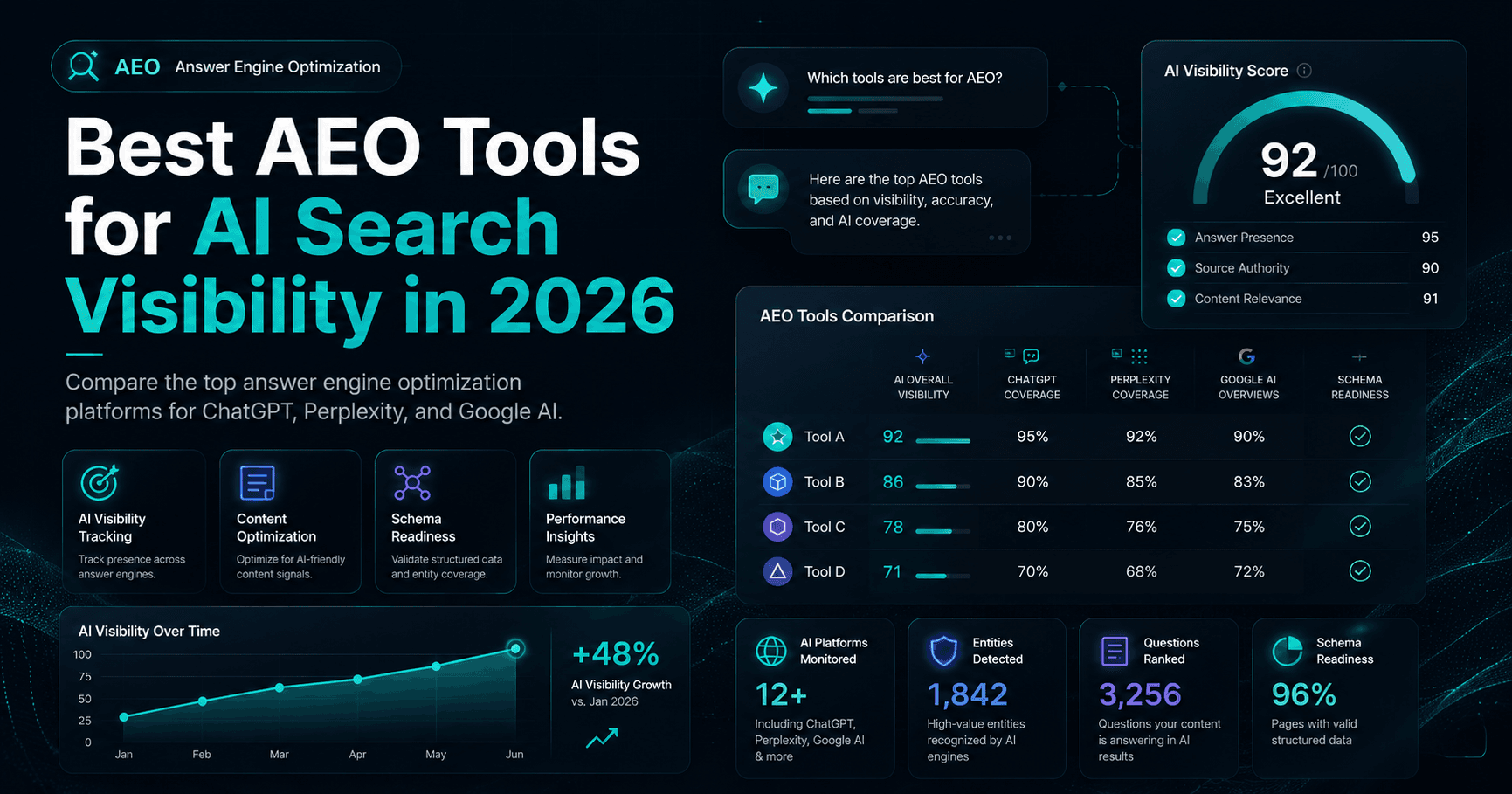
AI search is changing how buyers discover brands. Instead of scanning ten links, users now ask ChatGPT, Perplexity, Gemini, and Google AI tools for direct answers. That means your website needs to be understandable, citeable, and answer-ready - and you need a tool to tell you where it currently falls short.
An AEO page checker inspects technical and content conditions such as structured data, metadata, crawler access and answer structure. These checks can identify work to do, but a readiness score is not evidence that an AI system cited or recommended your brand.
This guide covers the best AEO tools available, what to look for when choosing one, and what you can do for free versus what requires a paid plan.
Run the free AEO checker for a page-readiness baseline, or view a sample report to inspect the output first.
What is the best AEO checker?
The best AEO checker depends on the evidence you need. Use a page checker for schema, metadata, crawler-policy and content fixes. Use a prompt-based visibility tracker to record whether AI answers mention your brand or cite a page. AEOCheck provides the first workflow with 25 readiness checks. We publish AEOCheck, so this guide discloses that interest and is not an independent benchmark of the listed vendors.
If you only want to fix one thing, AEOCheck also offers single-purpose free tools: an AI crawler checker, a schema markup checker, an llms.txt generator and a content extractability checker.
What is an AEO tool?
An AEO tool helps you evaluate whether your website is ready for answer engines and AI search systems. It focuses on the signals AI systems use to decide what to understand, summarize, and cite.
Most AEO tools overlap with SEO tools, but the goal is different. Traditional SEO asks where you rank. AEO asks whether your content gets surfaced in AI answers.
For a full introduction to the concept, see what is AEO and how it works.
Choose the check that matches your question
| Your question | Evidence to request | Start here |
|---|---|---|
| What should I fix on this page? | Check findings tied to the page HTML and fetch results | AEOCheck sample report |
| Can an AI crawler access this URL? | The matching robots.txt rule and the crawler identity | AI crawler checker |
| Is my JSON-LD present and complete? | Parsed types, properties and errors | Schema markup checker |
| Does an AI answer mention or cite my brand? | Exact prompt, engine, date, answer text and source URLs | A prompt-based brand tracker |
Evaluate an AEO checker in five minutes
- Scan a public page whose title, schema and crawler settings you can inspect yourself.
- Compare the findings with the page source and the relevant tool output. An unavailable measurement should remain unavailable.
- Review whether the suggested fix fits the page. Article or FAQ markup should describe real visible content.
- Fix one issue and rescan the same URL. Save the original report and methodology so later comparisons are meaningful.
- Check actual business outcomes separately: Search Console clicks, referrals and recorded AI citations. A higher heuristic score does not prove those outcomes improved.
What to look for in an AEO checker
Not all AEO tools are built equally. A reliable AEO checker should cover:
- Structured data coverage - does it check for JSON-LD schema, not just meta tags?
- Content clarity scoring - does it evaluate whether sections are written for AI extraction?
- Crawler access verification - does it confirm GPTBot, PerplexityBot, and ClaudeBot are allowed?
- Authority and trust signals - does it check for named authors, About pages, and E-E-A-T signals?
- Scoring methodology - does it give a numeric score so you can track improvement over time?
- Multi-page audit capability - can it scan an entire site, not just a single URL?
- Monitoring over time - does it alert you when scores drop or signals regress?
- Actionable recommendations - does it tell you what to fix, not just what is broken?
If a tool misses most of these, you may get partial insight but not a reliable readiness picture.
Best AEO tools for AI search visibility
1. AEOCheck
Best for: page-level readiness scans, multi-page audits, monitoring, and client-ready reports.
AEOCheck checks 25 technical and content signals, including schema, metadata, headings, crawler rules and trust information. It returns a readiness score and check findings. When available, PageSpeed adds lab performance measurements; these are not a real-user Core Web Vitals assessment.
Free tier: The free scan covers a single URL and returns the full score and signal breakdown with no account required. This is the fastest way to get a baseline.
Plans: Audit size, monitored URLs, retests and full-report features vary by plan. Use the current pricing and limits when comparing costs. Readiness monitoring tracks page checks over time; it should not be confused with measuring brand mentions in AI answers.
How to evaluate it: Inspect a sample report, check the evidence behind each finding, and test a page whose markup you know. The score is a heuristic, so use the findings to decide what to fix.
Limitations: It is not positioned as the largest enterprise brand monitoring platform. Teams that need always-on mention tracking across hundreds of prompts may pair it with a dedicated brand tracker.
Run a free AEO scan on AEOCheck
2. CrowdReply
Best for: teams that want to track brand mentions in AI answers and act on the community discussions (Reddit, Quora and similar) that AI tools cite.
CrowdReply describes itself as an AI search visibility platform. According to its own site, it tracks brand mentions across ChatGPT, Perplexity, Gemini and Claude, monitors community discussions, and offers an engagement feature for posting replies plus a backlinks marketplace.
Limitations: It works off-site. It does not scan your own pages for schema, metadata, crawler access or content structure, so it complements a page-level scanner rather than replacing one. Posting in communities should follow each platform's rules, including being open about your affiliation. Pricing is not shown on its homepage, and its performance figures are the vendor's own, which we have not verified.
Disclosure: CrowdReply has a link-exchange arrangement with AEOCheck, and the link here is marked as sponsored. Visit CrowdReply.
3. Be1st.ai
Best for: AI answer tracking and brand visibility monitoring.
Be1st.ai focuses on tracking how often a brand appears in AI-generated answers across platforms. Useful for teams that want to understand share-of-voice in AI search over time.
Limitations: Less focused on page-level technical diagnostics - schema gaps, metadata issues, and content structure problems are better surfaced by a dedicated scanner.
4. HubSpot AEO Grader
Best for: a free, one-time brand visibility assessment.
HubSpot AI Search Grader describes how supported AI models characterize a brand. It is a brand assessment, rather than a technical audit of one page.
Limitations: A brand snapshot does not identify every schema, metadata or crawler-policy issue on your pages. Evaluate it alongside a technical checker if both questions matter to your team.
5. Peec AI
Best for: ongoing AI visibility tracking and competitive monitoring.
What it helps with: Useful for seeing how often brands appear in AI answers over time and where competitor share changes.
Limitations: Less focused on fast technical page-level diagnostics for schema, metadata, and content readiness fixes.
6. Otterly
Best for: AI answer monitoring and trend reporting.
What it helps with: Tracks brand presence in AI responses and gives directional visibility data across prompts.
Limitations: Teams may still need a scanner to diagnose on-page technical and semantic gaps.
7. Profound
Best for: enterprise-level AI answer visibility and narrative tracking.
What it helps with: Strong for larger organizations that need deeper brand monitoring and cross-team reporting.
Limitations: Can be heavier than needed for smaller teams that mainly want rapid site readiness checks.
8. Semrush AI visibility tools
Best for: teams already running broader Semrush SEO workflows.
What it helps with: Combines AI visibility features with an existing SEO stack and reporting environment.
Limitations: Depth varies by workflow, and some teams still add a dedicated AEO scanner for page-level technical audits.
9. Ahrefs AI visibility checker
Best for: teams already using Ahrefs for search research and content analysis.
What it helps with: Adds AI-oriented visibility insight within a familiar SEO platform.
Limitations: Not always the fastest path to detailed per-page AEO readiness fixes.
10. SE Ranking AI visibility tools
Best for: teams that want AI visibility features alongside rank tracking and SEO reporting.
What it helps with: Integrates AI search visibility metrics into broader SEO operations.
Limitations: Teams with heavy AEO technical needs may still benefit from a dedicated scanner-first workflow.
AEO tool comparison table
| Tool | Free tier | Multi-page audit | Monitoring | PDF export | Pricing |
|---|---|---|---|---|---|
| AEOCheck | Preview | Plan limits apply | Plan limits apply | Paid | Current plans |
| CrowdReply | - | - | Yes | - | See vendor |
| Be1st.ai | - | - | Yes | - | Paid |
| HubSpot AEO Grader | Yes | No | No | No | Free |
| Otterly | - | - | Yes | - | Paid |
"-" indicates the information is not publicly confirmed. Check each provider's current pricing page for the latest details.
AEO scanner vs AI visibility tracker
An AEO scanner checks whether a page is technically and semantically ready for AI search. It answers questions like:
- Is schema present and useful?
- Are metadata and headings clear?
- Is crawler access configured correctly?
- Does the page provide answer-ready context?
An AI visibility tracker monitors how often your brand appears in AI answers over time.
Most teams need both eventually. For many teams, scanners are the best starting point because they show what to fix first.
Free AEO checker: what you get without paying
AEOCheck offers a single-page preview scan without signup, subject to usage limits. The preview is useful for identifying technical and content work; it does not measure search rankings or live AI citations.
The free scan covers:
- Full score out of 100
- Pass/warn/fail for all 25 AEO and GEO checks
- Schema markup check (JSON-LD presence and type coverage)
- Crawler access check (GPTBot, PerplexityBot, ClaudeBot)
- Metadata quality check (title length, description, canonical)
- Content structure check (H1 hierarchy, answer-first formatting)
- Trust signal check (About page, named authorship, contact)
- PageSpeed lab performance when a measurement is available
No account or credit card is needed for the guest preview. Scan time depends on the target site and available measurements. See pricing for current usage limits.
Free vs paid: what the upgrade adds
The guest scan previews a single URL. Signed-in and paid plans have different audit sizes, monitored-URL allowances, retest limits and reporting features. Compare the current plan limits rather than assuming that every feature requires payment or that every plan is unlimited. Upgrading report access does not establish that a page ranks or receives AI citations.
Which AEO tool should you choose?
Use this simple decision path:
- choose AEOCheck for fast website readiness scans, schema and metadata diagnostics, content clarity checks, and client-ready reports
- choose enterprise AI visibility trackers for ongoing brand mention and answer-share monitoring
- choose broader SEO suites if your team already runs integrated SEO workflows and wants AI visibility features in one platform
If you are evaluating paid options, compare workflow depth and report quality at your actual page level, not just feature lists.
Start with a free AEO scan
Run a readiness scan, fix a finding you can verify, then recheck the same page. Measure actual brand mentions and citations separately with recorded AI answers.
- Start here: Free AEO scan
- See output format: Sample report
- Compare access options: Pricing
Frequently Asked Questions
Is there a free AEO checker?
Yes. AEOCheck offers a single-URL readiness scan without an account, subject to monthly usage limits. The free preview includes a score and check results. Full-report features and audit limits depend on your plan; see pricing.
What is the best tool to check AI search visibility?
Choose a page checker when you need technical fixes, and a prompt-based tracker when you need evidence of brand mentions or citations. AEOCheck checks 25 page-readiness signals; its score does not measure actual placement in AI answers.
What does an AEO checker actually test?
A page-readiness checker can inspect schema, metadata, headings, answer structure, crawler rules and trust signals. Check whether unavailable measurements are labeled and whether the report shows evidence for each finding.
How often should I check my AEO score?
Recheck after a meaningful content, template or crawler-policy change. Compare the same URL and method, and inspect the underlying findings rather than treating every score movement as a change in search visibility.
Can one tool check both ChatGPT and Perplexity visibility?
A technical scan can inspect readiness and crawler rules, but it does not query every AI engine or establish whether your brand appears in answers. Measuring mentions and citations requires recorded answers for defined prompts and engines.