ChatGPT Visibility Checker: How to Test if Your Website Appears in AI Answers
Use our free ChatGPT visibility checker to instantly see if your website appears in AI search results from ChatGPT, Perplexity, and other AI engines. Step-by-step guide included.
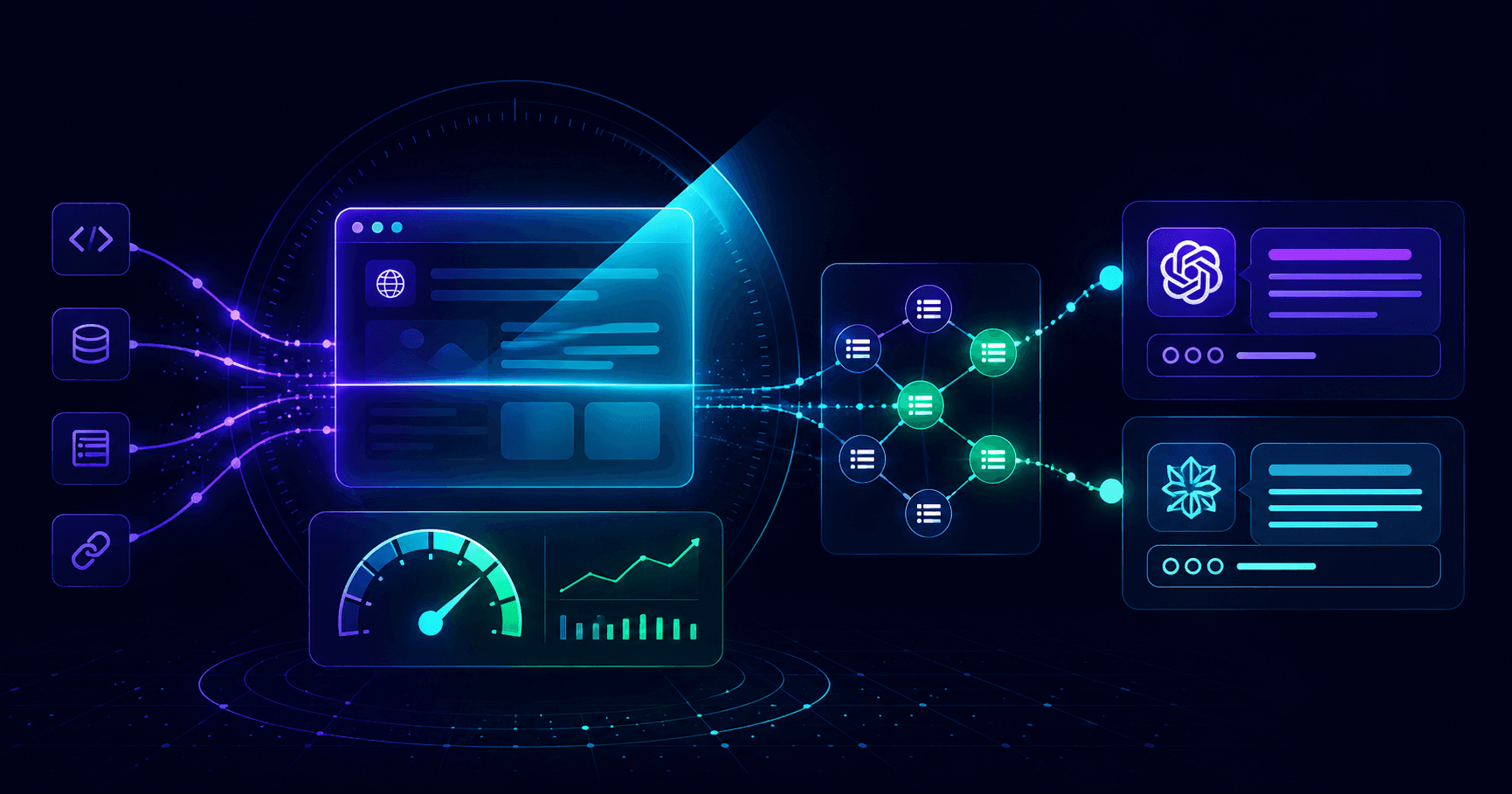
Every week, hundreds of millions of people ask ChatGPT, Perplexity, and Google AI Overviews for product recommendations, service comparisons, and expert advice. Many of those queries directly intersect with what you sell. If your website does not appear in those AI-generated answers, your competitors are taking that business instead.
The uncomfortable reality is that most business owners have no idea whether they show up in AI search at all. Unlike Google rankings, there is no obvious position number and no Search Console report for AI citations. This guide shows you exactly how to check - using an AEO checker tool, by asking ChatGPT directly, and through Perplexity - and what to do when you are not showing up.
Why Your Website Might Be Invisible to ChatGPT and Perplexity
Google visibility and AI search visibility are not the same thing. You can rank in Google's top three results and still be completely absent from ChatGPT answers. Understanding why requires knowing how AI answer engines select their sources.
AI answer engines do not crawl and rank billions of pages the way Google does. They pull from a curated set of sources they consider accurate, authoritative, and machine-readable. Pages that make it into that set share a few common traits: clear structured data, well-organized content, open crawl access for AI bots, and links from trusted sources.
The four most common reasons a website is invisible in AI search:
1. No structured data. Without JSON-LD schema markup, AI engines cannot tell what type of content your page contains. They have to guess - and they often skip pages where they have to guess.
2. Thin or poorly structured content. AI engines extract answers from web pages. If your content does not clearly answer questions in a logical, scannable format, AI systems pass you over for a page that does.
3. Blocked AI crawlers. A significant number of sites accidentally block GPTBot, PerplexityBot, or ClaudeBot through robots.txt rules, security plugins, or CDN configurations. Blocked crawlers cannot index your content at all.
4. No external citations. Authority matters to AI engines just as it does to Google. If no recognized source links to or mentions your site, AI engines treat it as unverified and deprioritize it.
How to Check if Your Website Appears in ChatGPT (3 Methods)
Method 1 - Use an AEO Checker Tool (Fastest)
The fastest way to check your AI search visibility is to run a free AEO scan on AEOCheck. Unlike a one-off manual test, an AEO checker audits the underlying signals that determine whether AI engines can read, trust, and cite your site.
AEOCheck checks 25 signals across six categories:
- Schema markup - does your site include JSON-LD structured data?
- Crawler access - are GPTBot, PerplexityBot, and ClaudeBot allowed in your
robots.txt? - Metadata quality - are your titles, descriptions, and canonical tags complete?
- Content structure - does your content use clear headings and answer-ready paragraphs?
- Trust signals - do you have an About page, named authors, and contact information?
- Technical performance - does your site load fast enough to stay indexed?
You get a score out of 100, a pass/warn/fail for every signal, and a prioritized list of fixes. The scan runs in under 60 seconds with no account required for the baseline result.
Method 2 - Ask ChatGPT Directly
You can ask ChatGPT whether it knows about your brand or domain. This reveals whether your site is in ChatGPT's training data, though it comes with real limitations worth understanding.
Open chat.openai.com and try these prompts:
"Do you have any information about [your brand name]?""What do you know about [yourdomain.com]? Has it been mentioned in content you were trained on?""When someone asks about [your product category], what websites or tools do you recommend?"
Look at the results critically. If ChatGPT says it has no information about your brand, or returns clearly wrong information, that is a data gap. If competitors appear in the category recommendations and you do not, that is your AEO gap made visible.
The limitations of this method: ChatGPT's training data has a knowledge cutoff date. Even if you have done significant AEO work recently, ChatGPT may not yet reflect it. Results are also inconsistent - running the same prompt twice can return different sources on different days. Use this as a rough indicator, not a definitive audit.
Method 3 - Check Perplexity AI Directly
Perplexity differs from ChatGPT in one critical way: it pulls from the live web, not a static training dataset. That makes it a better real-time signal of your current AI search visibility.
Go to perplexity.ai and run queries your target customers would actually ask:
"Best [your product category] tools in 2026""How do I [describe the main problem you solve]""[Your topic] guide for beginners"
Perplexity shows its sources in a numbered panel alongside every answer. Check whether your domain appears. Sources listed higher tend to shape the answer more heavily than those at the bottom.
Since Perplexity uses live web data, improvements you make to your structured data, content structure, and crawler access can show up within days to weeks - far faster than waiting for a ChatGPT training data update.
What Your AEO Score Actually Means
If you have run a free AEO scan, here is how to read the number:
| Score range | What it means | Priority | |---|---|---| | 0–40 | Critical gaps - likely invisible to AI search | Fix immediately | | 41–65 | Partial readiness - major signals missing | Fix within 30 days | | 66–79 | Decent foundation - room to compete on content | Fix within 60 days | | 80–100 | Strong AEO posture - focus on authority and monitoring | Maintain and expand |
The most common issues that drag scores into the 40–65 range:
- Missing schema across the entire site - no JSON-LD anywhere
- Blocked AI crawlers - GPTBot or PerplexityBot listed under
Disallowinrobots.txt - No FAQ content - AI engines specifically favor pages with structured Q&A sections
- Thin pages - content under 300 words gives AI engines little to extract
- No trust pages - missing About, Team, or Contact pages signals low authority to AI systems
A score in the 41–65 range is the most common outcome for sites that have invested in SEO but have not specifically addressed AEO. In most of those cases, adding schema and unblocking AI crawlers alone moves the needle 15–20 points.
How to Fix Poor AI Search Visibility (7 Actionable Steps)
If your visibility check revealed gaps, this is the repair sequence to follow.
Step 1 - Add FAQ schema to key pages.
Any page that answers more than two questions is a candidate for FAQPage structured data. AI engines specifically parse FAQ schema to extract answer candidates. Add a JSON-LD FAQPage block to your most important landing pages, product pages, and blog posts. For most sites, this is the single highest-returning AEO improvement.
Step 2 - Write direct, answer-first content. AI engines reward content that gets to the point fast. Each section of your page should open with the core answer in the first one to two sentences, then elaborate. Rewrite your three most important pages to follow this pattern. Long windup paragraphs that bury the answer are extremely common - and they cost you citations.
Step 3 - Add Organization and Article schema.
Your homepage needs an Organization JSON-LD block with your name, URL, and a one-sentence description. Every blog post and editorial page needs a BlogPosting or Article block with headline, datePublished, author, and publisher filled in. These tell AI engines exactly what they are reading before they parse a single word of body text.
Step 4 - Create an llms.txt file.
This is an emerging AI-specific standard, similar in purpose to robots.txt but for context rather than crawl access. A plain text file at yourdomain.com/llms.txt gives AI systems a concise summary of what your site is, who you are, and how your content is organized. Not every AI engine reads it yet, but it signals AEO awareness and is increasingly recognized by Perplexity, Claude, and others.
Step 5 - Get cited on authoritative sources. AI engines trust sites that other trusted sites already reference. Practical ways to build those citations: respond to HARO or Qwoted requests in your niche, write guest posts on established industry publications, and ensure you are listed in reputable software directories relevant to your category. Even a handful of citations from recognized domains can meaningfully shift how AI engines treat your content.
Step 6 - Fix technical blockers.
Open your robots.txt file right now. If you see GPTBot, PerplexityBot, ClaudeBot, or Google-Extended in a Disallow rule, remove those lines and redeploy. Also review any Cloudflare WAF rules, WordPress security plugins, or CDN bot-filtering settings that may be blocking these crawlers from reaching your pages. This is often a one-line fix with immediate impact - and it is the first thing an AEO checker will flag if it is present.
Step 7 - Monitor your AI visibility over time. AEO is not a one-time fix. AI engine behavior evolves, new competitors optimize, and your own site changes in ways that can introduce regressions. Set up ongoing AI visibility monitoring to track your score across time, get alerted when key signals drop, and measure your progress after each round of optimizations. Visibility you build today can erode next quarter without active tracking.
ChatGPT Visibility vs Google Ranking: Key Differences
It is tempting to treat AEO as an extension of SEO, but the mechanics are different enough to change your priorities:
| | Google SEO | AI Search (AEO) | |---|---|---| | Goal | Rank in a list of links | Get cited in a direct answer | | Core signals | Backlinks, keywords, technical health | Schema, content structure, crawler access, authority | | Output | Position 1–10 on a results page | Mentioned or quoted in an AI-generated response | | Update speed | Weeks to months | Days to weeks (live tools) / months (training data) | | Measurement | Search Console, rank trackers | AEO score, direct AI testing, citation monitoring |
The practical implication: strong SEO and strong AEO reinforce each other, but you cannot rely on Google rankings to predict AI visibility. Research consistently shows that the majority of sites cited in ChatGPT answers are not the top Google results for the same query. The two systems weight different signals.
For a deeper look at the distinction, see AEO vs SEO: What's the Difference in 2026?.
Frequently Asked Questions
How do I know if my website appears in ChatGPT?
The fastest method is to run a free AEO scan - you will get a scored breakdown of exactly what AI engines can and cannot read on your site in under 60 seconds. You can also ask ChatGPT directly by searching your brand name, domain, or by asking which sites it recommends for your product category. For live-web visibility, run the same test in Perplexity, which shows its sources explicitly.
Is there a free ChatGPT visibility checker?
Yes. AEOCheck's free scan checks 25 AI visibility signals with no account or credit card required. You get a score out of 100 and a full pass/warn/fail breakdown for every signal. Upgrading to a paid plan unlocks the detailed fix recommendations, historical tracking, and competitor comparisons.
How long does it take to appear in ChatGPT after optimization?
There is no guaranteed timeline. ChatGPT updates its training data on its own schedule, and recent changes may not be reflected for months. Perplexity and other live-web AI tools are faster - meaningful improvements in their results can appear within days to a few weeks of fixing key signals. Prioritize Perplexity visibility first for faster feedback on whether your changes are working.
Does Google ranking affect ChatGPT visibility?
Indirectly. Higher Google rankings generally drive more backlinks and more frequent crawls, both of which improve the chance of your content being included in AI training data. However, research consistently shows that most ChatGPT citations are not the top Google results for the same query. Dedicated AEO work is necessary even if you already rank well in traditional search.
What is the difference between SEO and AEO?
SEO is about ranking higher in Google's list of links. AEO is about being cited in AI-generated answers from ChatGPT, Perplexity, and Google AI Overviews. The tactics overlap - structured data, content quality, and authority matter for both - but AEO specifically optimizes for the signals that AI citation engines weight most heavily. For a full breakdown, see What Is AEO? Answer Engine Optimization Explained.
Related Reading
- Best AEO Tools for AI Search Visibility: Complete Guide
- How to Check Your Website's AI Search Visibility
- What Is AEO? Answer Engine Optimization Explained
- Why ChatGPT Is Not Citing Your Website
The fastest way to see exactly where you stand is to run a free AEO scan on AEOCheck. You will get a full score, a list of critical issues, and a prioritized action plan in under 60 seconds - no account required.